
| | |  |
|
|
| |
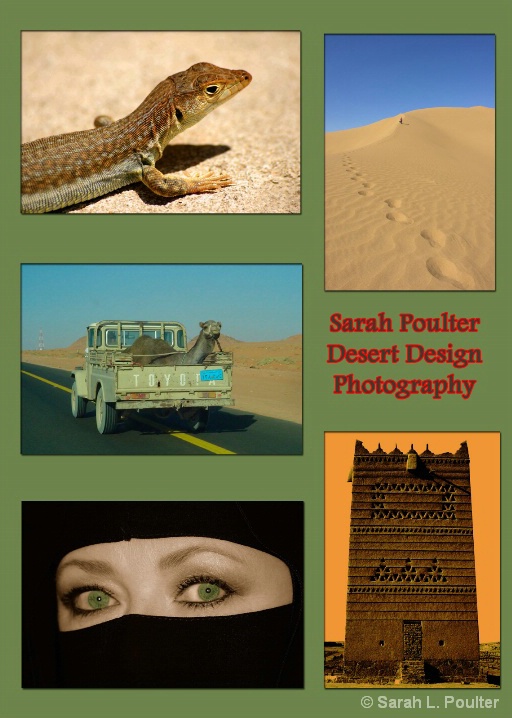
Desert Design Promo Piece Description: Photoshop Assignment. Okay I lost track of some of the things I did, so heres what I remember: I opened a new doc and opened all 5 photos, resized them with a res of 300dpi. I copied and pasted all the images and rearranged them into the order I wanted. Then with each layer I scaled so they were all the same. I then added the text, played around with the blending options and checked the stroke box, so I got the nice red outlining. For the background I duplicated the background layer and added a solid colour and played with the colour palette until I found one I was happy with. Last thing, I used the rectangle tool on each image and clicked on their layer, using the blending options I used the shadows and glowing options to put a border round each image, then flattened the layers and hey-presto! I'm done! Uploaded on 6/2/2008 6:07:28 AM
Made with Nikon D70 Digital SLR Camera
Learn how to make better photos with this camera!
To Discuss Sign In or become a BetterPhoto member.
Sign in to make photo a Favorite
© Sarah L. Poulter
Join the photo sharing fun!
BetterPhoto Course Graduate x 2 Sign in to make photographer a Favorite
|
Copyright for this gallery photo belongs solely to
Sarah L. Poulter.
Images may not be copied, downloaded, or used in any way without the expressed, written permission of the photographer.